I have a mid-2012 MBP that I’ve been running Ventura with OCLP on for a couple (?) years now and it’s been great. Highly recommend.
The other day I restarted because my airpods were having difficulty connecting (they’re on their last legs) and restarting usually solved the problem. Only this time after entering my login password, the progress bar stalled halfway for several minutes and I was greeted with this screen:
https://i.postimg.cc/52h6VV8d/IMG-0787.jpg
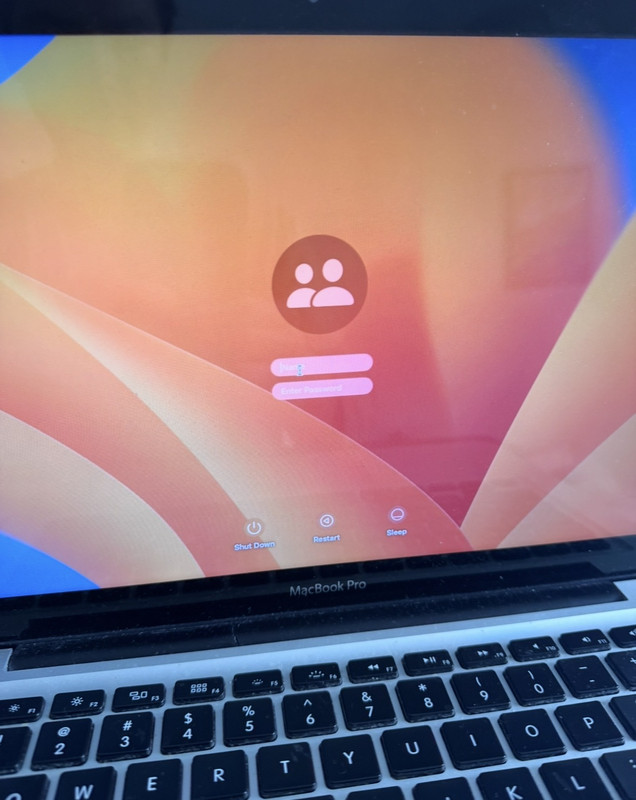
To make a long story short, after my troubleshooting efforts and many resets (pram, recovery mode, safe mode, etc) and one SATA cable replacement later, I’ve come to the conclusion that I just need to wipe my computer and start over. I didn’t bother making a time machine backup (I know) cause I usually just drag and drop things I want to keep long term onto a separate hard drive every couple months. Helps reduce clutter.
I’ve done an erase/install before but never with OCLP installed so I’m wondering if I erase my hard drive will it be good to go, as in starting from stage one of having to reinstall OCLP without having to any *extra* work?
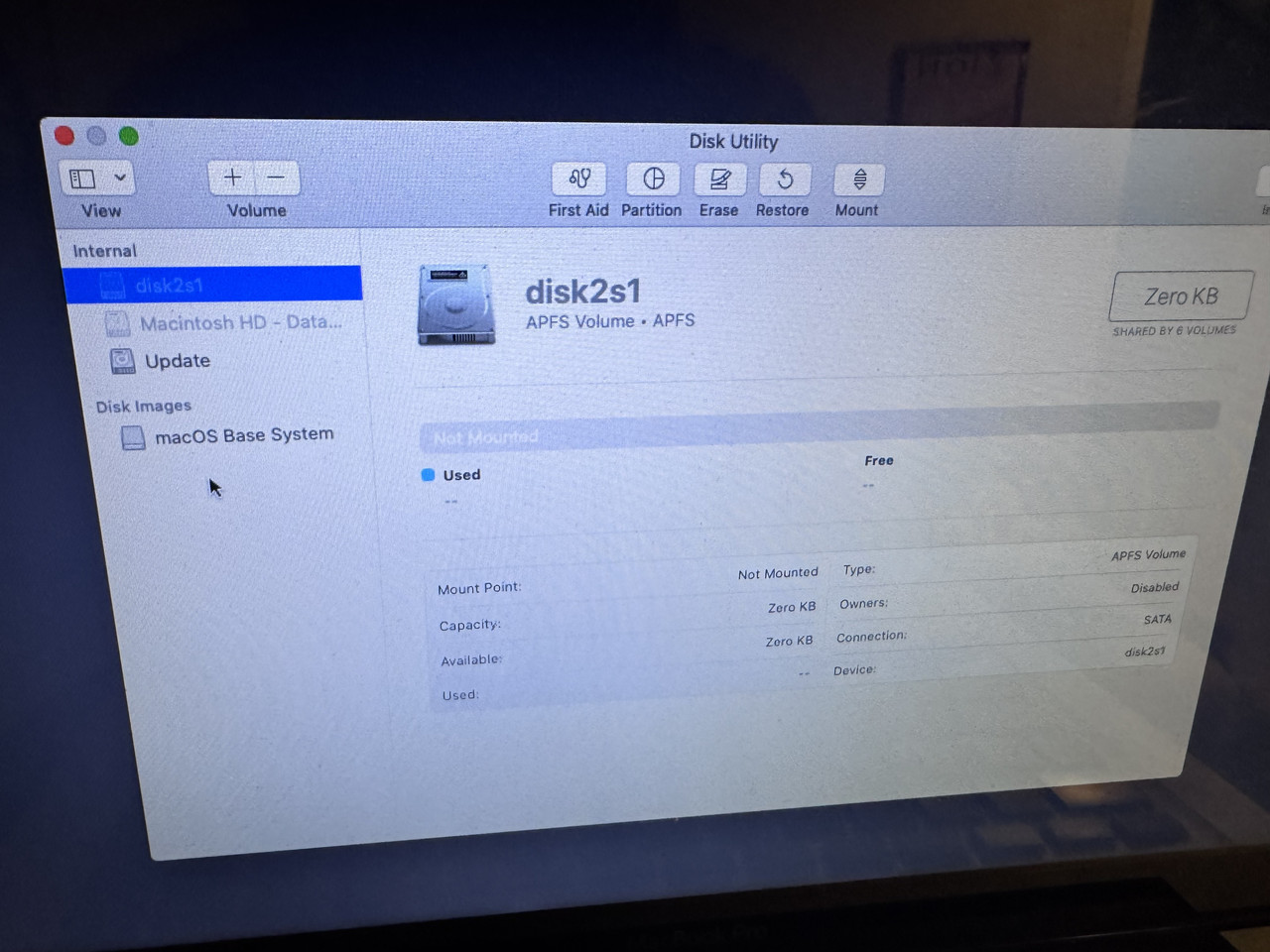
Also I’m sure which drive I should be erasing here and the format with which to use upon erasing (APFS, APFS encrypted, APFS case-sensitive, APFS case-sensitive, encrypted)
Here’s the options: https://i.postimg.cc/3RSh3XzX/IMG-0821.jpg
[link] [comments]

Post a Comment