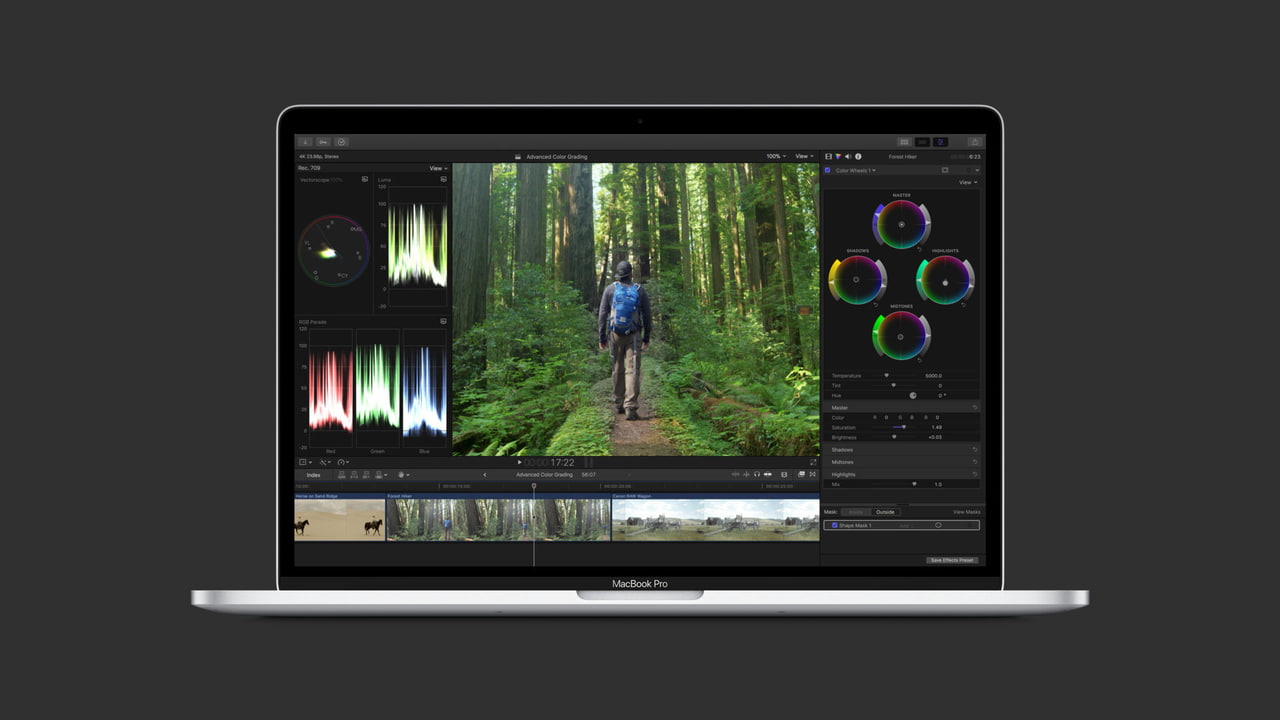

 Apple has published a support document advising users to upgrade their legacy media files before upgrading to the next version of macOS.
As part of the upcoming transition from 32-bit to 64-bit technology in macOS, you may see an alert in Final Cut Pro or Motion about legacy media files that won't be compatible with future versions of macOS, released after macOS Mojave. These incompatible media files were most likely created using formats or codecs that rely on QuickTime 7—an older version of QuickTime that is included in macOS Mojave for compatibility purposes. However, because versions of macOS after macOS Mojave will no longer include the QuickTime 7 framework, you’ll first need to detect and convert legacy media files to continue to use those files in Final Cut Pro.
Apple says you must convert your legacy media files before upgrading to macOS 10.15 because the option to convert the incompatible files will no longer be available after macOS Mojave.

Share Article:
Facebook, Twitter, LinkedIn, Google Plus, Email, Reddit, Digg, Delicious, StumbleUpon
Follow iClarified:
Facebook, Twitter, LinkedIn, Google Plus, Newsletter, App Store, YouTube

Post a Comment