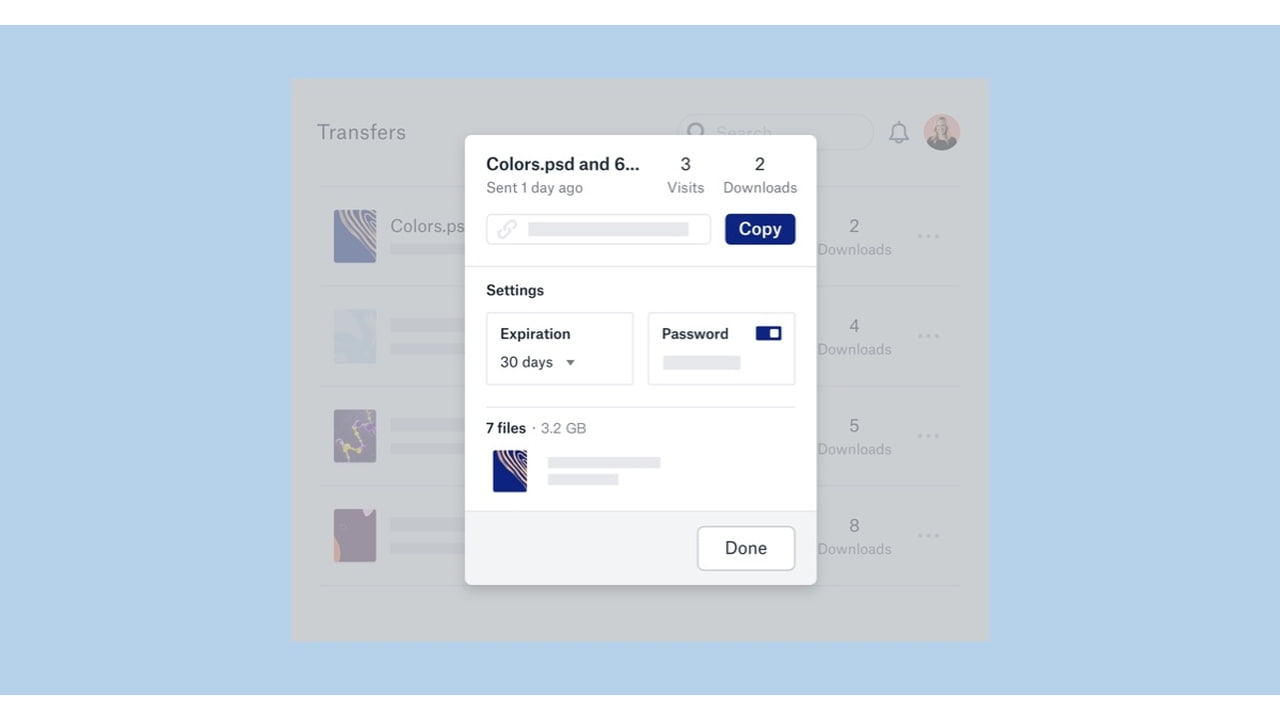

 The Dropbox app for iOS has been updated with the ability to receive files via Dropbox Transfer beta, manage comments, scan documents from the Home screen, undo moves of folders and files, and more.
Dropbox Transfer is a new feature announced earlier this month. It lets users easily and securely hand off large files or collections of files, and confirm delivery. You can learn more about it here.
What's New In This Version:
• Accidentally move a bunch of files you didn’t mean to? Now you can Undo moves of folders and files!
• Scan documents and upload photos right from the Home screen
• More powerful comments: now you can delete, resolve, mark as read, and reply to comment notifications
• Receive transfers via Dropbox Transfer beta

Share Article:
Facebook, Twitter, LinkedIn, Google Plus, Email, Reddit, Digg, Delicious, StumbleUpon
Follow iClarified:
Facebook, Twitter, LinkedIn, Google Plus, Newsletter, App Store, YouTube

Post a Comment