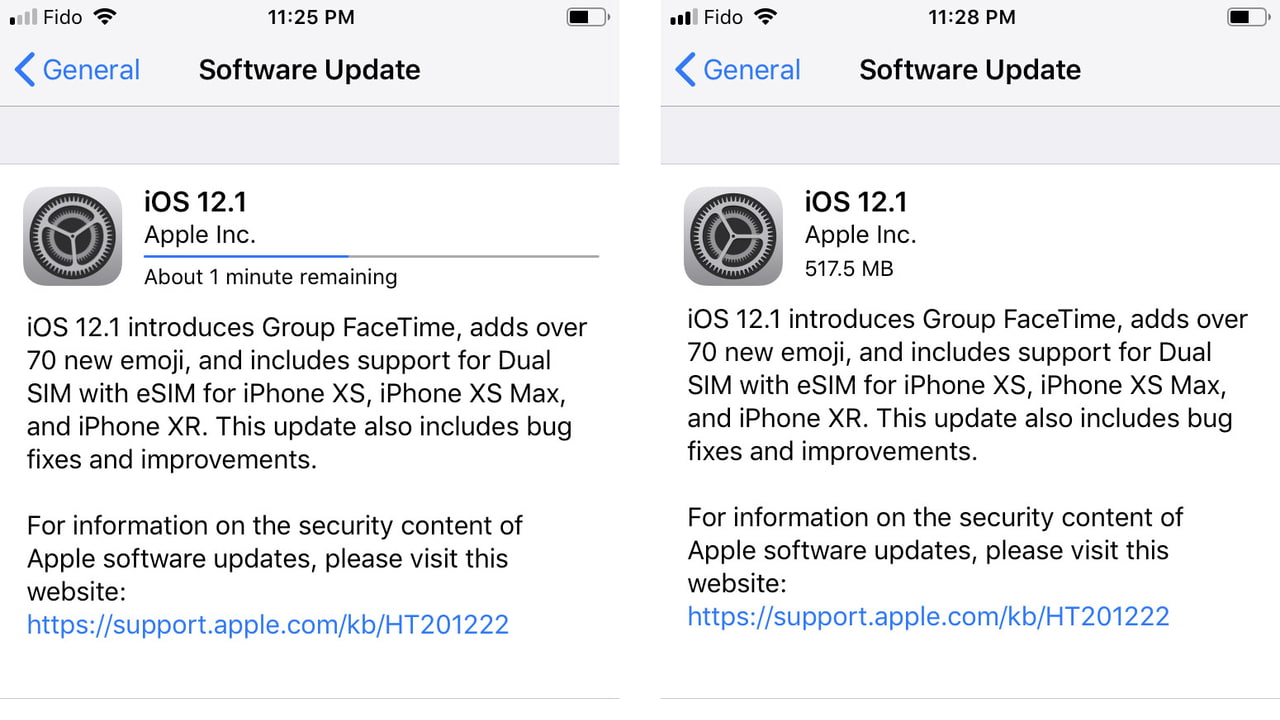

 These are instructions on how to stop an iOS software update that has already begun downloading on your iPhone, iPad, or iPod touch.
Step One
Toggle Airplane mode ON. You can do this by swiping up (iPhone 8 or earlier) or down (iPhone X or later) to bring up Control Center.

Share Article:
Facebook, Twitter, LinkedIn, Google Plus, Email, Reddit, Digg, Delicious, StumbleUpon
Follow iClarified:
Facebook, Twitter, LinkedIn, Google Plus, Newsletter, App Store, YouTube

Post a Comment