Microsoft Windows users:
- Download and install ImageWriter
- Plug the USB drive in one of computer's USB ports
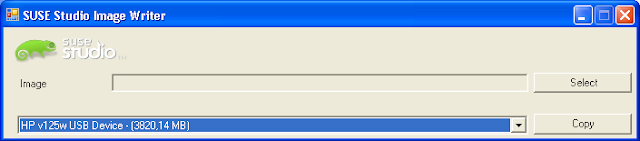
- Open ImageWriter and select the USB disk from the list at the bottom
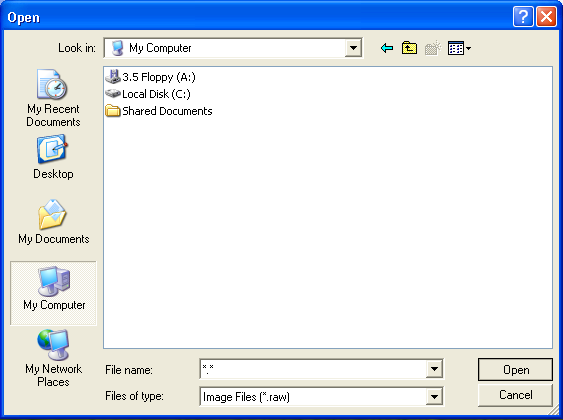
If you can't see the file, enter “*.*” in the “File name” field and press “Open” to see all files, then select the file and press “Open” again
Post a Comment